


The Checklist
The Checklist collects everything that needs a decision, whether the decision is yours or someone else's, on three tabs: Pending, Resolved and Send by me.
When to use it
When you want to see what waits for you, what has already been handled, and the requests you sent yourself.
Step by step
-
Step 1: Everything waiting for a decision is on the Pending tab
In the side menu on the left, click the checklist list icon near the bottom. The Checklist opens as a panel on the right, on the Pending tab, with the number of waiting items in brackets. Each item says who it is about and what is needed, and a shift with no recorded attendance is marked Attendance required! on its card.
Tip: Items are listed newest first by the date and time under each of them, grouped under Today, Yesterday, Last week (up to seven days back) and then by month.
Tip: Under an Attendance required! item you see only the buttons you may use for that shift: Add attendance, Edit shift, and Delete shift in the ⋮ menu next to them.
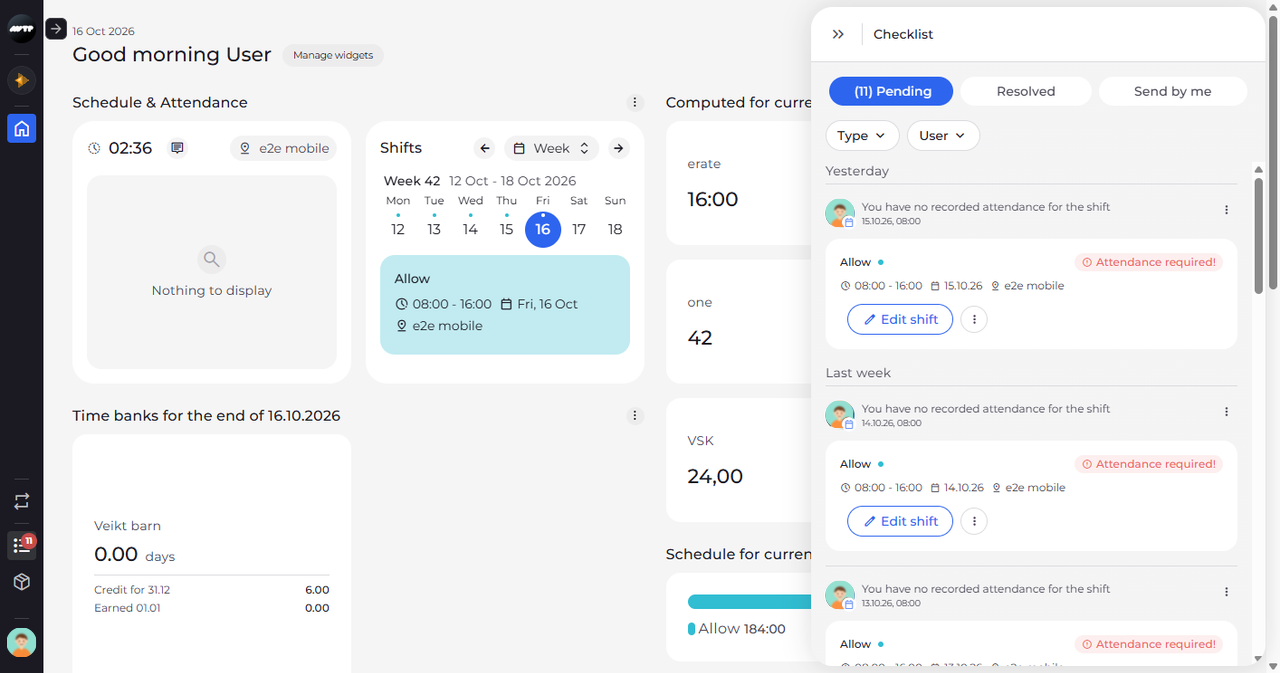
-
Step 2: Resolved shows the items that have already been handled
Click Resolved. Here the tab is empty. Unlike Pending, it has no Type and User filters.
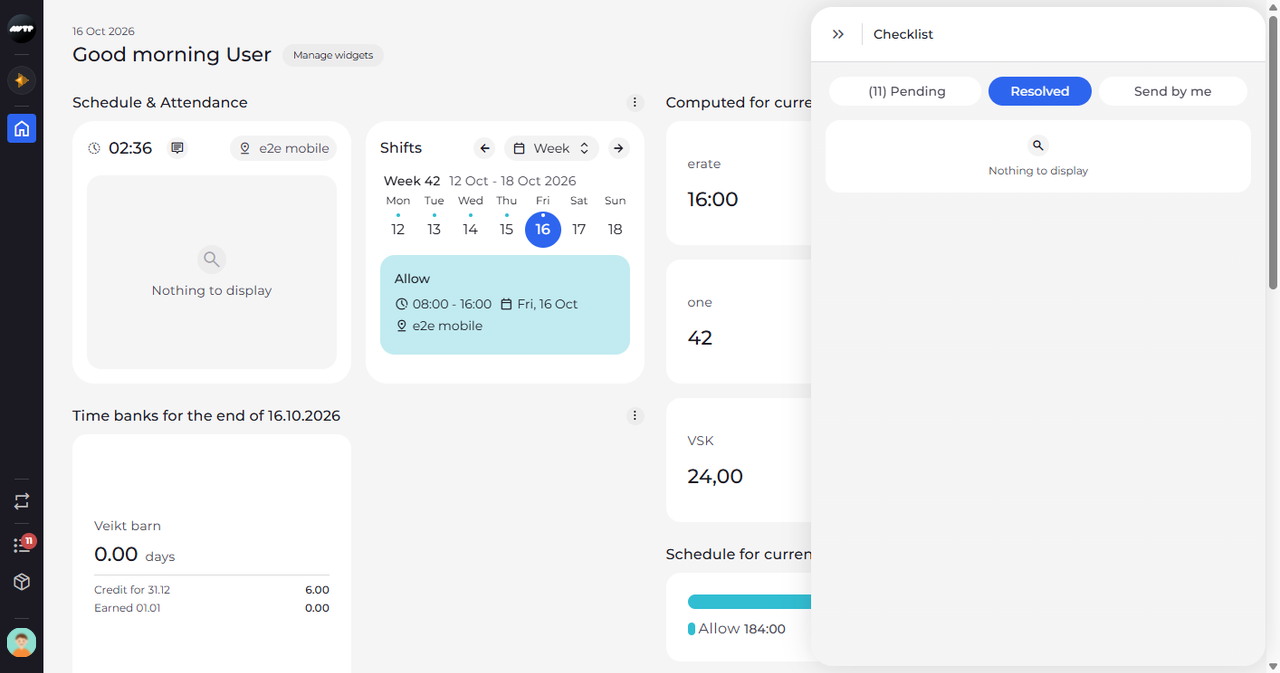
-
Step 3: Send by me shows the requests you sent yourself
Click Send by me. Here this tab is empty as well, and Pending still shows the number of items waiting for a decision.
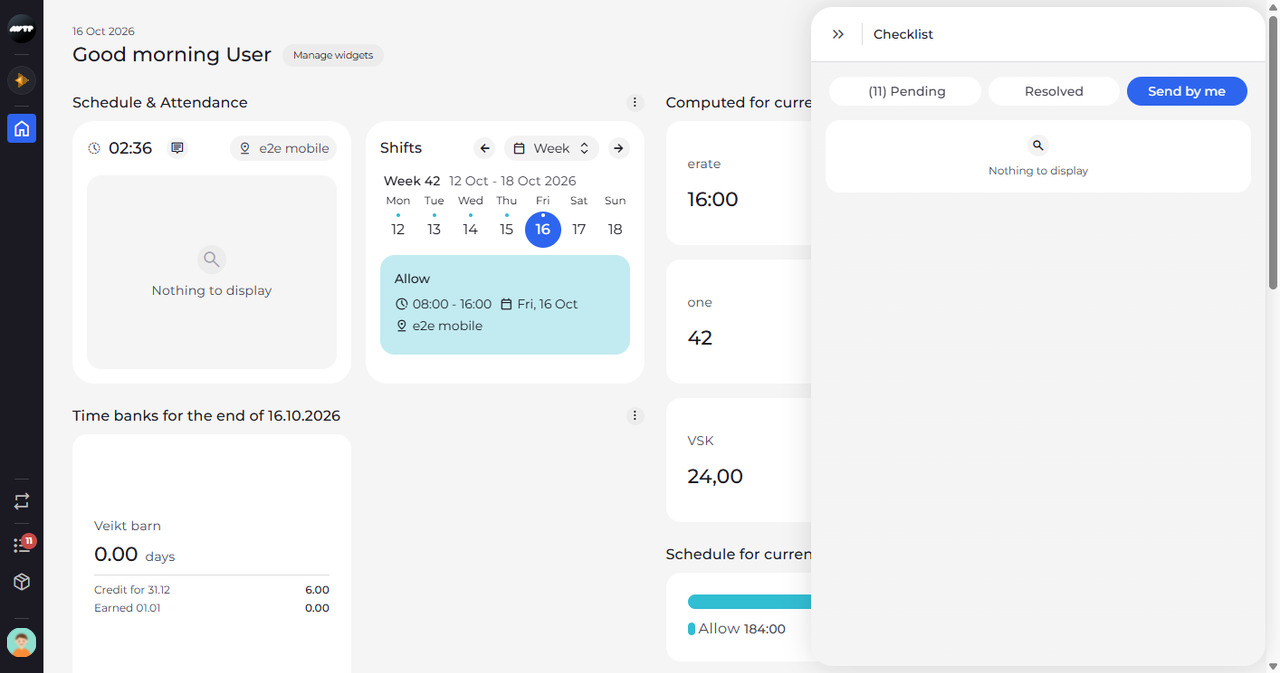
What happens next
You have looked through all three tabs of the Checklist. To close it, click the double arrow at the top left of the panel.
Good to know
- A tab with nothing in it shows "Nothing to display".
- Clicking a registration request opens Request details next to the Checklist. Clicking a shift market item or a work report closes the Checklist and opens the shift market or the work reports in a new browser tab.
- Each time you open the Checklist, it shows the tab you used last and loads its latest items. A page reload brings it back to Pending.
Questions
Why is an older item not on my Checklist?
The Checklist covers only your company's previous and current salary period, so items from earlier periods are not listed on any tab.