


Open the old employee list
Open the classic employee list of the web app from My Team.
Before you start
You need:
- Access to My Team (the people icon in the side menu)
New to the app? Start with Sign in to the web app.
When to use it
When you need something My Team does not offer yet, or prefer the classic list.
Step by step
-
Step 1: Click Back to old personnel under the title
Open My Team and click Back to old personnel under the page title.

-
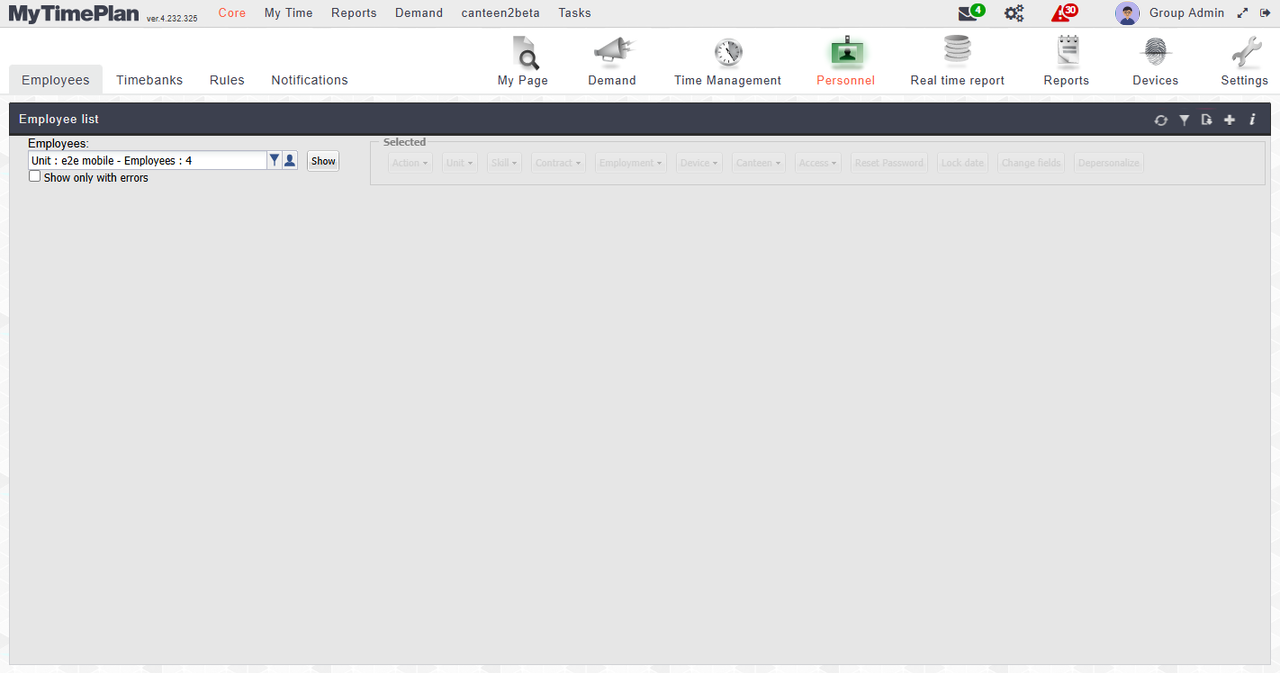
Step 2: The classic Employee list opens
The classic employee list opens with the unit to show at the top. Click Show to load its employees.
What happens next
You are in the classic employee list. To return, open My Team from the side menu again.
Good to know
- My Team is marked beta; the classic list stays available next to it.