


See the account you are signed in with
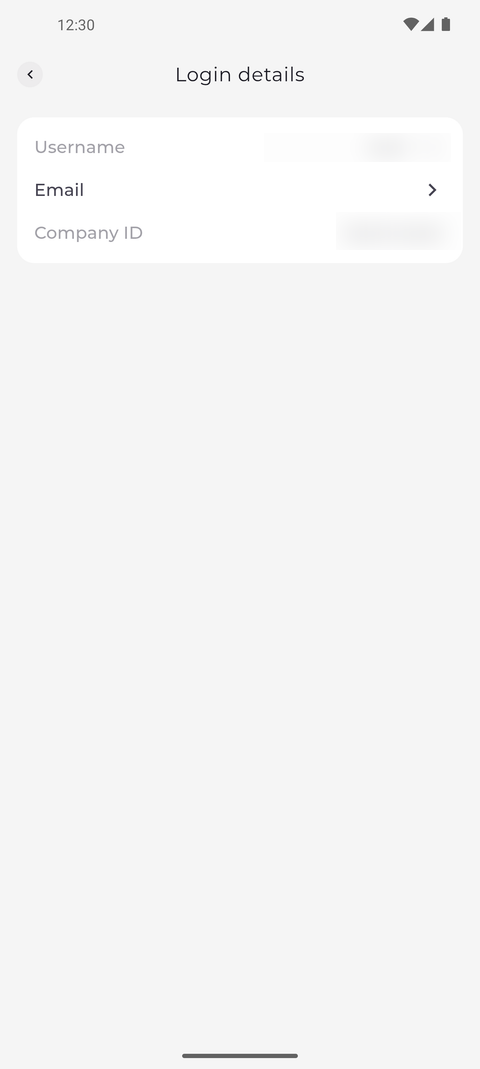
Login details shows the username, email and company ID of the account you are signed in with.
Step by step
-
Step 1: Login details shows your username, your email and your company ID
Tap your profile picture at the top left of Home to open Settings, then tap Login details. The page shows your Username, your Email if your account has one, and the Company ID.
Tip: Company ID is the ID you typed on the Welcome to MTP screen. It is greyed out because it cannot be changed here.
Tip: Tap Username or Email to change it. If the row is greyed out, your company does not let you change it - ask your manager.
What happens next
You know which account and company the app is signed in to.
Good to know
- Login details is in the Safety & access section of Settings, next to Change password.